Case study
How an airport transfer company stopped quoting by hand
Operating across 100+ cities, every enquiry was read by a person, priced by memory, and replied to by hand. After 10 PM, nothing moved until morning. This is what we changed, how we built it, and what happened to the numbers.
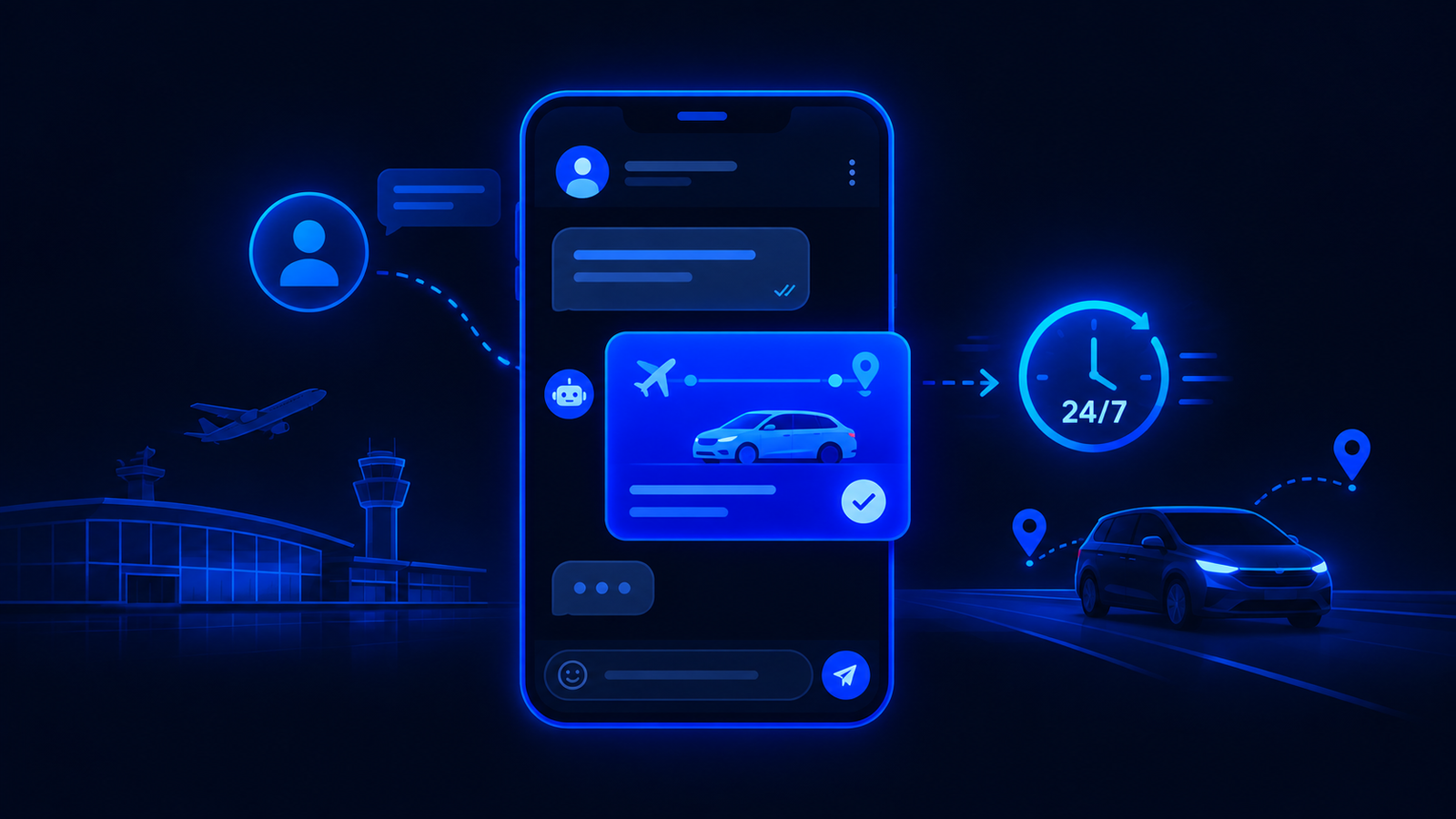
This is an AI automation case study for a ground transport company operating airport transfers across more than a hundred cities. The company name is withheld at their request — we're happy to walk through the detail on a call if you want the full picture. What follows is the real sequence of events: the problem we found, what we built, and the measurable difference it made.
Like most AI automation case studies we publish, this one starts with a process that worked, but only barely, and only because people were quietly absorbing the strain.
The problem before we touched it
The business worked like this. A customer would send a WhatsApp message: "I need a pick-up at Delhi T3, 10 August, 2 PM." A staff member would read the message, look up the route, check which vehicle was available, calculate the price based on distance and vehicle type, and type a reply. On a good day this took three to five minutes per enquiry. On a busy day — flights landing at the same time, multiple cities, different currencies — responses took twenty minutes or longer.
After 10 PM, nothing happened at all. The messages sat unread until morning, by which time the customer had usually booked with someone else.
The core problems were specific and measurable:
- Response time averaged 14 minutes during working hours and infinite outside them
- Pricing inconsistency. Different staff members quoted different rates for the same route, because the pricing lived in a spreadsheet nobody checked consistently
- Vehicle selection errors. A sedan would get booked for a customer with four large bags, leading to a scramble at the airport and a poor first impression
- No overnight coverage. A flight landing at 1 AM generated an enquiry that got answered at 9 AM — eight hours of silence for someone standing in an arrivals hall
- No record of why a booking was lost. If a customer stopped replying, nobody knew whether it was price, timing, or a competitor
What we mapped first in this AI automation case study
Before building anything, we spent two days mapping how quoting actually worked — not how anyone described it, but what actually happened message by message. This is the step most AI vendors skip, and it's the step that determines whether the build works.
We documented:
- The decision tree. When a message arrives, what questions does the staff member ask themselves? Airport, date, time, passengers, bags, one-way or return. In what order? What happens when information is missing?
- The pricing logic. Base rate by city pair, vehicle surcharges, night-time premiums, return discounts, airport parking fees, waiting charges. We turned a spreadsheet and four people's memory into a structured rule set.
- Vehicle selection rules. Sedan fits 3 passengers and 2 large bags. SUV fits 4 passengers and 4 bags. Minivan fits 6 and 6. These aren't suggestions — they're constraints the agent enforces.
- Edge cases. What happens when the customer asks for a city the company doesn't serve? What if they want a specific car model? What if the requested time is less than two hours away? We found eleven edge cases, and each one became a rule.
- The escalation boundary. What should never be automated — complaints, special requests, VIP accounts. These route to a human with the full conversation attached.
If you automate a process you haven't mapped, you automate the version in someone's head — which is always incomplete, inconsistent, and missing the exceptions that cause most of the problems. Two days of mapping saves two months of fixes.
What we built
The agent runs on WhatsApp Business API. When a message arrives, the following happens with no human involvement:
- The message is parsed. The agent extracts airport, date, time, passenger count and luggage from the message. If any of these are missing, it asks — once, specifically, not a form.
- The vehicle is selected. Based on passengers and bags, the agent picks the cheapest vehicle that fits. If a sedan can't fit four bags, it says so and offers the SUV with the price difference. It doesn't silently upgrade — it explains why.
- The route is priced. The pricing engine applies the correct base rate, any time-based surcharges, and any applicable discounts. The price the customer sees is always the price they'll pay.
- The quote is sent. Within seconds, the customer gets a message with the vehicle, the price, the estimated travel time, and a one-tap confirmation.
- On confirmation, the booking is created. The driver gets assigned, the customer gets a confirmation with the driver's details, and a reminder is scheduled for two hours before pickup.
The entire flow from enquiry to confirmed booking takes under sixty seconds. At any hour. This is the core of the automation: not a chatbot with scripted replies, but a system that reasons through pricing and vehicle logic the way a trained staff member would. The same approach works on phone calls too — see how voice agents are quietly replacing the missed call.
What a real conversation looks like
Here's an actual exchange, anonymised:
Customer: Need a pick-up at Delhi T3, 10 Aug, 2 PM. 4 bags.
Agent: Sedan won't fit 4 bags — SUV is ₹2,450, 45 min from your area. Confirm?
Customer: Yes, book it.
Agent: Done. Driver Rajesh, white Innova, plate DL-XX-XXXX. He'll message you when he's 10 min away. Confirmation sent to your phone.
Three messages. Under a minute. At 1 AM if needed. The agent didn't just understand "4 bags" — it reasoned that a sedan's luggage capacity is insufficient, selected the next appropriate vehicle, recalculated the price, and presented the option with the reason for the change. That chain of reasoning is what separates an AI agent from a chatbot that would have said "please visit our website to see vehicle options."
What changed after launch
We tracked the metrics that mattered — not vanity numbers about messages handled, but the things that affect revenue.
| Metric | Before | After |
|---|---|---|
| Average response time | 14 minutes (working hours) | Under 30 seconds (24/7) |
| Overnight coverage | None | Full — same speed, same quality |
| Pricing consistency | Varied by staff member | 100% rule-based |
| Vehicle selection errors | Regular | Zero — enforced by luggage rules |
| Staff quoting time per day | ~5 hours across the team | Zero for standard bookings |
The staff who used to spend five hours a day reading messages and typing quotes now handle escalations, manage driver logistics, and deal with the complex requests the agent routes to them. They're not redundant — they're doing higher-value work because the repetitive layer has been removed. Numbers like these are exactly why this AI automation case study gets shared internally whenever a new team asks whether automation is worth the build time.
Does your team quote the same way, every time?
If the pricing follows rules and the process repeats, there's probably a build worth scoping. Tell us what your team does every day.
Start an agent conversation →What we'd do differently
Every build teaches something. Here's what this AI automation case study taught us:
- Start with one city, not all of them. We launched across the full network simultaneously. It worked, but debugging pricing rules across a hundred city pairs at once was unnecessarily stressful. If we did it again, we'd launch in ten cities, stabilise for a week, then expand. The build time would have been the same; the first week would have been calmer.
- The pricing spreadsheet was the hardest part. The technology was straightforward. Turning four people's slightly different mental models of pricing into one consistent rule set took more time than the integration. Budget more time for this step than you think.
- Confirmation messages matter more than quotes. We invested heavily in getting the quote right and initially sent a bare-bones confirmation. Customer satisfaction jumped noticeably when we added the driver's name, vehicle colour, plate number, and estimated arrival — details they'd previously had to call back and ask for.
Common questions about this AI automation case study
How long did this take to build?
Five weeks from the first mapping session to live deployment. Two days of mapping, two weeks of building and testing, one week of parallel running (agent quotes alongside human quotes to compare), and refinement. The parallel running phase caught three pricing edge cases we'd missed.
What happens when the agent doesn't know something?
It escalates to a human with the full conversation context. The customer sees "Let me connect you with someone who can help with this" and a staff member picks up the thread within minutes. The handover is seamless — the customer doesn't have to repeat anything.
Can the company change pricing without calling you?
Yes. The pricing rules live in a structured sheet the operations team edits directly. Change a rate, and the next quote uses the new number. They don't need us for routine pricing updates — only for adding new route types or changing the decision logic.
What about customers who prefer talking to a person?
They can. The agent identifies when someone explicitly asks for a human ("Can I speak to someone?", "I'd prefer to talk to a person") and routes the conversation immediately. About 8% of conversations get routed this way, and that number has been stable — it's not growing, which suggests the remaining 92% are satisfied with the speed and accuracy of the agent.
Would this work for a business with fewer routes?
The build is actually simpler with fewer routes. If you run transfers in one city or between five airports, the pricing logic is lighter and the edge cases are fewer. The same architecture applies — it's just faster to map and cheaper to build. We cover the distinction between when an agent is worth it and when it isn't in our post on AI agents vs chatbots.
Rohit Bhatt
Founder, LFC VenturesRohit's team built and maintains this agent. This case study reflects the real, live system and metrics above. Client name withheld at their request — happy to walk through the detail on a call.