Meta ads
Your ads are working. It's your landing page not converting.
You're getting clicks. People are arriving. But nobody is filling in the form, booking the call, or buying the thing. If you're staring at a landing page not converting despite decent ad numbers, don't kill the campaign yet — spend ten minutes checking whether the fault is upstream (the ad) or downstream (the page). This is how.
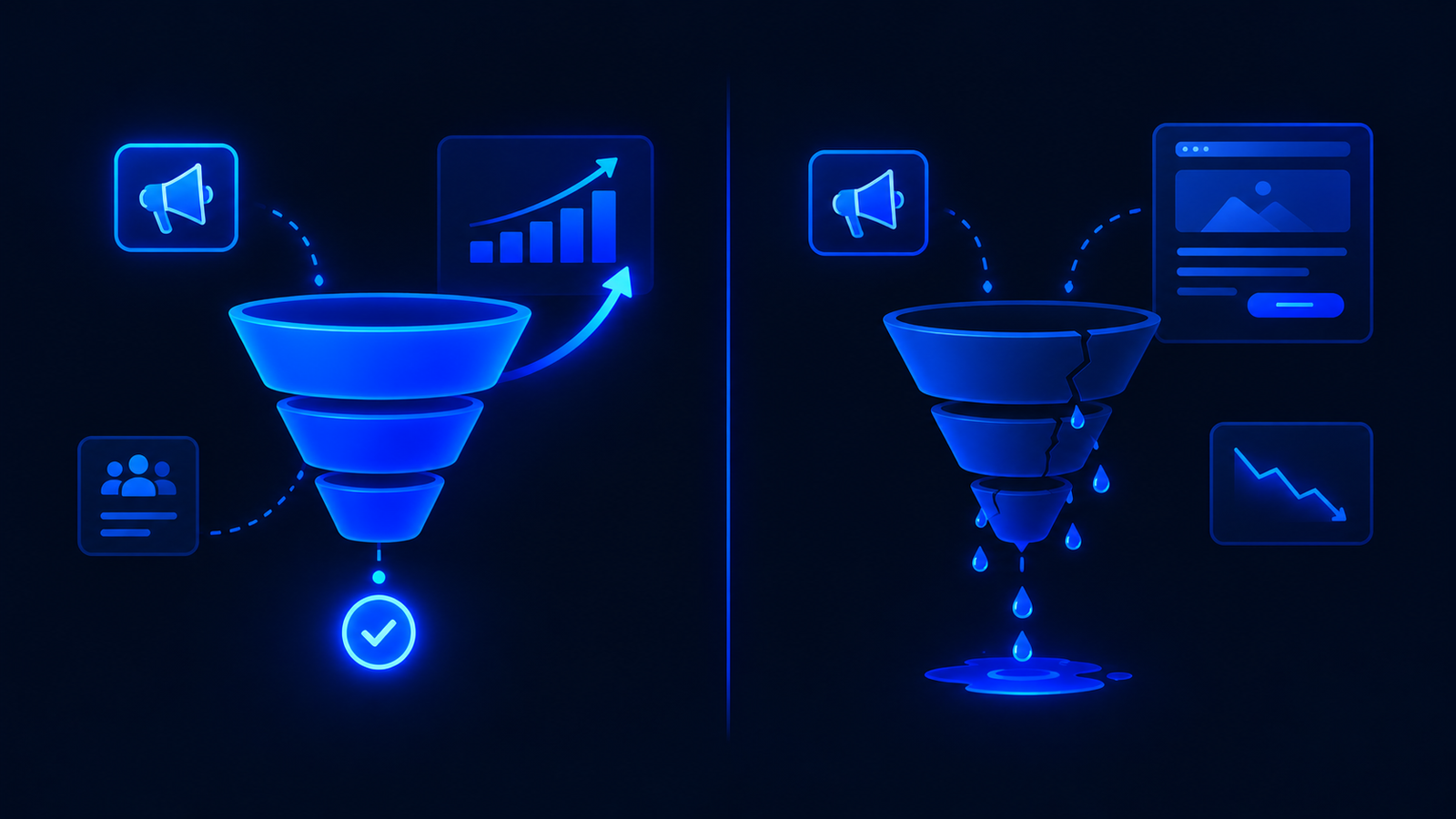
We audit campaigns for a living, and the pattern repeats so reliably we could script it. A founder calls us and says "Meta ads don't work for my business." We open their Ads Manager. The click-through rate is fine — people are clicking. The cost per click is within range. The ads are doing their job. Then we open the page the ads point at, and within five seconds the problem is visible.
The ads are the delivery system. They put a person in front of your page. What happens after the click is the page's job, not the ad's job. Most businesses never separate those two numbers, so this is exactly how a landing page not converting gets mistaken for an ads problem — and campaigns that are actually working get killed for the wrong reason.
The two-number split
Every campaign has two conversion points. If you only track one, you'll never diagnose the problem correctly.
| Metric | What it tells you | Whose fault if it's bad |
|---|---|---|
| Click-through rate (CTR) | Are people interested enough to click? | The ad — creative, copy, targeting |
| Landing page conversion rate | Are clickers taking the next step? | The page — message, design, offer, speed |
If your CTR is above 1% on Meta (above 0.8% is often acceptable in India depending on industry), your ads are generating interest. If your page conversion rate is below 2–3%, that page is losing people the ads successfully delivered. These are two separate problems with two separate fixes. Treating them as one is how you waste three months and ₹2,00,000 testing forty ad creatives when a landing page not converting was the actual issue all along.
Open Meta Ads Manager. Check your CTR. If it's above 1%, stop blaming the ads. Open your page on your phone. Set a five-second timer. If you can't instantly tell what's being sold, who it's for, and what to do next — that's a landing page not converting, not an ad problem.
How to confirm the ads are fine
Before you touch the page, verify the ads are actually doing their job. Check these four things:
- CTR above 1%. This means people see your ad and are interested enough to click. If it's below 0.5%, the problem might genuinely be the ad — but in India, most campaigns we audit are above 1%, which means the creative is working.
- CPC within range for your industry. If you're paying ₹5–₹15 per click for a coaching business or ₹20–₹60 for real estate, you're in normal territory. We published the full breakdown by industry in our post on what a lead costs on Meta in India.
- Frequency below 3. If the same people are seeing your ad more than three times, fatigue sets in and performance drops. But that's a scaling issue, not a page issue.
- Audience quality check. Look at which placements are getting clicks. If 80% of your traffic is coming from Audience Network, the clicks might be accidental. Filter to Facebook and Instagram feed placements and check whether the CTR holds.
If all four are healthy, the ads are working. What you have is a landing page not converting — and that's a fixable, page-level problem. Close Ads Manager and open the page.
7 signs of a landing page not converting
We've audited hundreds of pages like this. These are the failure points behind almost every landing page not converting, listed in the order we check them.
1. The headline doesn't match the ad
The ad says "Get a free 15-minute consultation." The page headline says "Welcome to [Company Name] — Your Trusted Partner Since 2018." The visitor clicked for the consultation. They arrived and can't see it. They leave. This mismatch is the single most common conversion killer, and it's the easiest to fix — just make the page say what the ad promised.
2. The page takes more than three seconds to load
On Indian mobile networks, this is a death sentence. Every additional second of load time increases the probability that the visitor leaves before seeing anything at all. Test your page at PageSpeed Insights on mobile. If the Largest Contentful Paint is above 3 seconds, fix it before changing anything else — because every other improvement is invisible to the people who leave before the page finishes loading.
3. There's no clear first action
The page has a "Learn More" button, a "Call Us" button, a WhatsApp icon, a newsletter signup, and a "Download Brochure" link. The visitor doesn't know which one to click, so they click none. One page, one action. Repeat it at the top, the middle, and the bottom. Remove everything else.
4. The form asks for too much
Name, email, phone, company name, company size, industry, budget, "how did you hear about us," and a twelve-line message box. Every field you add reduces completions. For a first enquiry, you need a name, a phone number or email, and one qualifying question. That's it. Everything else can happen on the call.
5. There's no proof visible before the fold
Testimonials at the bottom of the page are decoration for the people who were already going to convert. The visitors you're losing never scroll that far. Put one number, one client name, or one result above the fold — visible without scrolling. "47 clinics across India use this" is more convincing in the first screen than three paragraphs of testimonials at the bottom.
6. The page doesn't work on the phone you're advertising to
Over 85% of Indian Meta ads traffic arrives on mobile. If your page was designed on a desktop monitor, the mobile experience is an afterthought: text too small, buttons not thumb-reachable, images cropping badly, forms where the keyboard covers the field you're typing in. Open the page on a ₹12,000 Android phone on a 4G connection. That's your real audience's experience.
7. The offer is weak and the page can't fix it
This is the one nobody wants to hear. If what you're offering isn't compelling enough, no page design will save it. "Book a free consultation" is not an offer — it's a request for someone's time with no promise of value. "Get a 15-minute diagnosis of why your page isn't converting, with a written summary you keep either way" is an offer. Same format, completely different motivation. If the page is well-built and still not converting, the offer — not the design — is almost always why you have a landing page not converting.
The page can't sell something nobody wants. But it can absolutely fail to sell something everybody wants. Fix the page before you doubt the offer.
Fixes in priority order
Don't try to fix everything on a landing page not converting at once. Start at the top and work down. Each fix is independent and measurable.
- Match the headline to the ad. Five minutes. Free. Often the single biggest improvement available. Whatever the ad promised, the headline should confirm within three seconds of landing.
- Fix page speed. Compress images, remove unused scripts, enable caching. If you're on WordPress with a heavy theme, install WP Rocket and compress every image through TinyPNG. A page that loads in 1.5 seconds instead of 5 will improve conversion rate before you touch a single word of copy.
- Reduce the form to three fields. Name, phone, one qualifying dropdown. You can always ask for more information on the call. The form's job is to start the conversation, not finish it.
- Remove competing CTAs. One primary action per page. If the page currently has a "Book a Call" button, a WhatsApp button, an email link, and a phone number, keep one and remove the rest. Let visitors do the one thing that matters most to your pipeline.
- Move one proof element above the fold. A client count, a testimonial snippet, a result number. Not three paragraphs — one line that answers "has this worked for someone like me?"
- Test the offer itself. If the first five fixes don't move the number, change what you're offering rather than how you're presenting it. Try a lower-commitment first step: a free audit instead of a paid consultation, a checklist instead of a demo, a ₹99 trial instead of a full-price purchase.
Want to know why your landing page is not converting?
We'll tell you whether it's the ads or the page, what to fix first, and what each fix is worth — before you commit to anything.
Get a page diagnosis →How to measure after you fix
Don't measure a landing page not converting by feeling. Measure by numbers, and give each change enough traffic to produce a real signal.
- Track your landing page conversion rate separately from your CPL. Use your analytics (Google Analytics, or the Meta pixel's own conversion tracking) to know what percentage of visitors take the action. If your CPL drops but your conversion rate didn't change, it was an ad improvement. If your conversion rate rises and CPL drops, it was a page improvement.
- Wait for 200–300 visitors before judging a change. Fewer than that and you're seeing noise. If your page gets 50 visitors a day, you need four to six days of data. Making conclusions after one day is why most "A/B tests" produce meaningless results.
- Change one thing at a time. If you fix the headline, the form and the speed simultaneously and the number moves, you won't know which fix did the work. That means you can't replicate it on your next page. Change one thing, measure it, then change the next.
- Compare weeks, not days. Traffic quality varies by day of the week. Tuesday traffic behaves differently from Sunday traffic. Compare this week to last week, not today to yesterday.
FAQs on a landing page not converting
What if my CTR is high but my CPC is also high?
That's a competition problem, not a page problem. Your ads are attractive (people click), but you're in an expensive auction. This is common in real estate and B2B in major Indian cities. The fix is either narrower targeting to avoid the most expensive segments, or a higher-value offer that justifies the cost per lead.
How do I check my landing page conversion rate?
In Google Analytics: go to the page's URL in the Pages report, then look at the conversion event you've set up (form submission, button click). In Meta: check the "Results" column alongside "Link Clicks" — divide results by link clicks. If you haven't set up conversion tracking at all, do that before anything else. You can't fix what you can't measure.
Should I use heatmaps to diagnose a landing page not converting?
Yes, but only after you've fixed the obvious issues. Install Microsoft Clarity (free, unlimited) and watch five session recordings of people who landed and left. You'll see where they stopped scrolling, what they tried to click, and whether they even reached your form. Heatmaps are evidence, not strategy — they show you what's happening, but they don't tell you why. Pair them with the seven checks above.
My page converts fine on desktop but not mobile. Why?
Because the experience is different and you haven't tested it on a real phone. Common mobile issues: the CTA button sits below the thumb zone, the form zooms in when the keyboard opens (inputs under 16px font size cause this on iOS), images push the content down so the headline isn't visible on the first screen, and the page loads slower because mobile connections are slower. Open your page on the cheapest phone you can find. That's the test.
I changed the headline and nothing happened. Now what?
Check whether the new headline actually matches the ad. Then check whether you waited long enough — 200+ visitors, not 30. If both are true and the number didn't move, the headline wasn't the bottleneck. Move to the next item on the priority list: speed, form length, competing CTAs. The diagnosis is a process of elimination, and sometimes the first fix isn't the one that breaks through.
Rohit Bhatt
Founder, LFC VenturesRohit builds the landing pages and runs the campaigns that point at them. The diagnostic framework in this post is what his team uses to fix a landing page not converting on live client accounts every week.